
S3 · S3 ViRGE / Trio3D
S3 Trio3D / Trio3D/2X
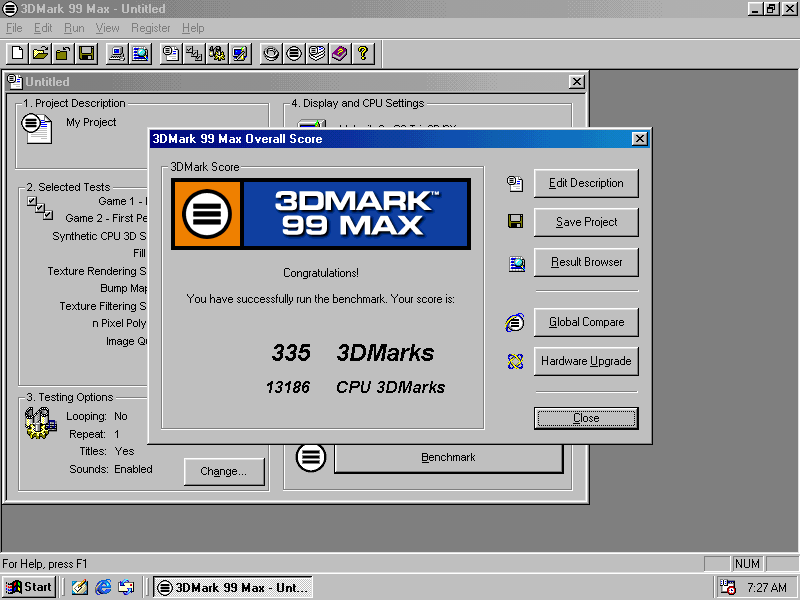
Bound to the ViRGE/DX’s engine code. On real silicon in 0.7.0, Final Reality completed at 3.21 overall and 3DMark 99 completed for the first time, at 335 marks on its first clean run.
- Manufacturer
- S3
- Chip
- 86C365 / 86C362
- Family
- S3 ViRGE / Trio3D
- 3D engine
- S3D
- Bus
- PCI / AGP
- PCI ID
- 5333:8904, 5333:8A13
Package
s3
Tested on
One physical Trio3D/2X.
Acceleration by interface
What has been tested
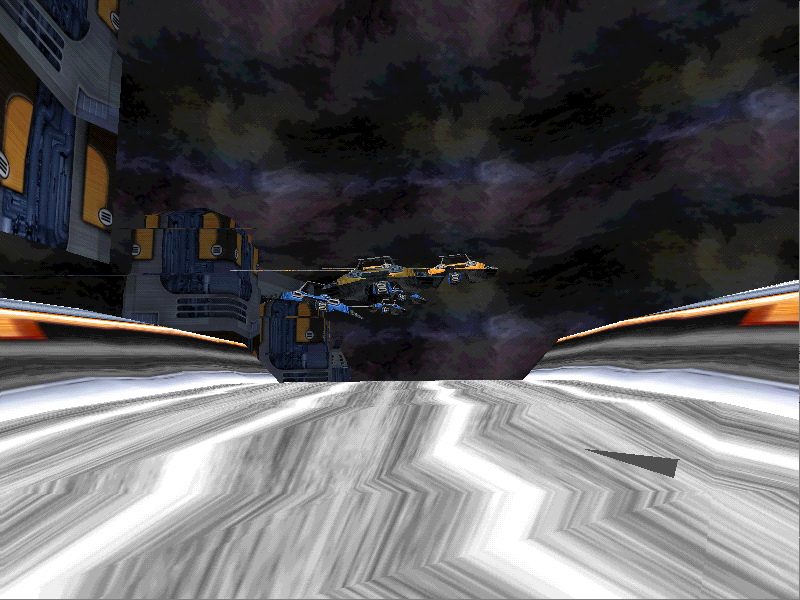
Direct3D on a narrow path. Final Reality 3.21 and 3DMark 99 335 (0.7.0). Some 3DMark 99 tests draw plainer for the S3D’s missing blends, and Incoming refuses its texture formats.
Sources and testing notes
Screenshots
Tested games and benchmarks
| Title | API | Result | Version |
|---|---|---|---|
| Final Reality | Direct3D | 3.21 overall on real silicon | 0.7.0 |
| 3DMark 99 Max | Direct3D | 335 3DMarks on its first clean run | 0.7.0 |
- S3 Trio3D / Trio3D/2Xv0.7.0335 3DMarks
first clean run
Test setup and source
- Driver version
- 0.7.0
Not recorded: machine / cpu, cpu speed, resolution, colour depth, display mode, game / benchmark version, settings, test date.
Source: Velocity9x CHANGELOG: 0.7.0
Not a like-for-like comparison: machines and driver versions differ.
- S3 Trio3D / Trio3D/2Xv0.7.03.21 score
Test setup and source
- Driver version
- 0.7.0
Not recorded: machine / cpu, cpu speed, resolution, colour depth, display mode, game / benchmark version, settings, test date.
Source: Velocity9x CHANGELOG: 0.7.0
Not a like-for-like comparison: machines and driver versions differ.
Install on Windows 98
- Take a cold backup and confirm you can reach Safe Mode.
- Download the
s3package(S3 Trio, ViRGE and Trio3D). - Device Manager → Display adapters → Update Driver → Have Disk, over the top of the current driver.
- Shut down fully, then cold-start once.